

Changing (Setting) the Windows Administrator Password
Changing the password of the Administrator account on a Windows server, that is, setting a new password, is quite simple. Follow the steps below to set a password for the Administrator user; after you sign out and back in, you can sign in with the new password.
You can use this procedure on all Windows server plans.
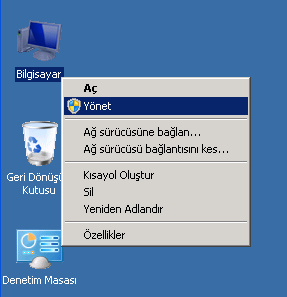
Click Computer -> Right-click -> Manage.
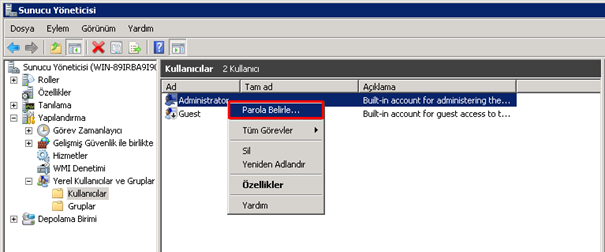
Click Configuration -> Local Users and Groups -> Users -> Administrator -> Right-click -> Set Password.
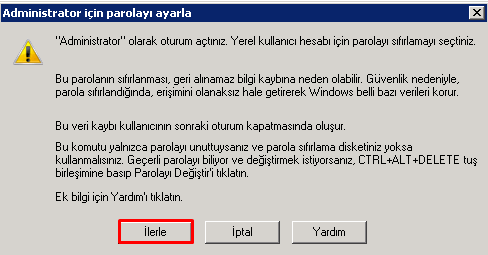
Click Proceed.
Type your new password and click OK.
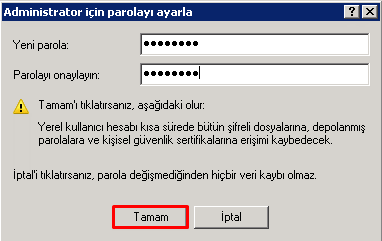
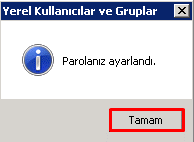
Click OK.
That is all.
